Your Spotify listening,
reordered by how much you actually like it.
Attunify watches what you skip, what you replay, and what you favourite — then reorders your Spotify world around it. No surveys, no manual ratings to keep up with. Your Liked list becomes your only list.
Invite-only for now
Attunify is letting people in a few at a time.
It's built and run by one person, so new listeners are let in in small batches to keep everything running smoothly. Leave your email and you'll get an invite link when there's room.
Already have an account? Log in · Got an invite from a friend? Open their link again. · Questions? Ask on Discord
What "Unify" actually means
Every skip, replay, and favourite you make trains Attunify on your taste — and everyone else using Attunify does the same for theirs. All of that listening behaviour feeds one shared layer underneath the app, so the more people tune in, the sharper Discover, Radio, and Top Listened get for every single person on it. It's not just personalised to you. It's unified across everyone listening.
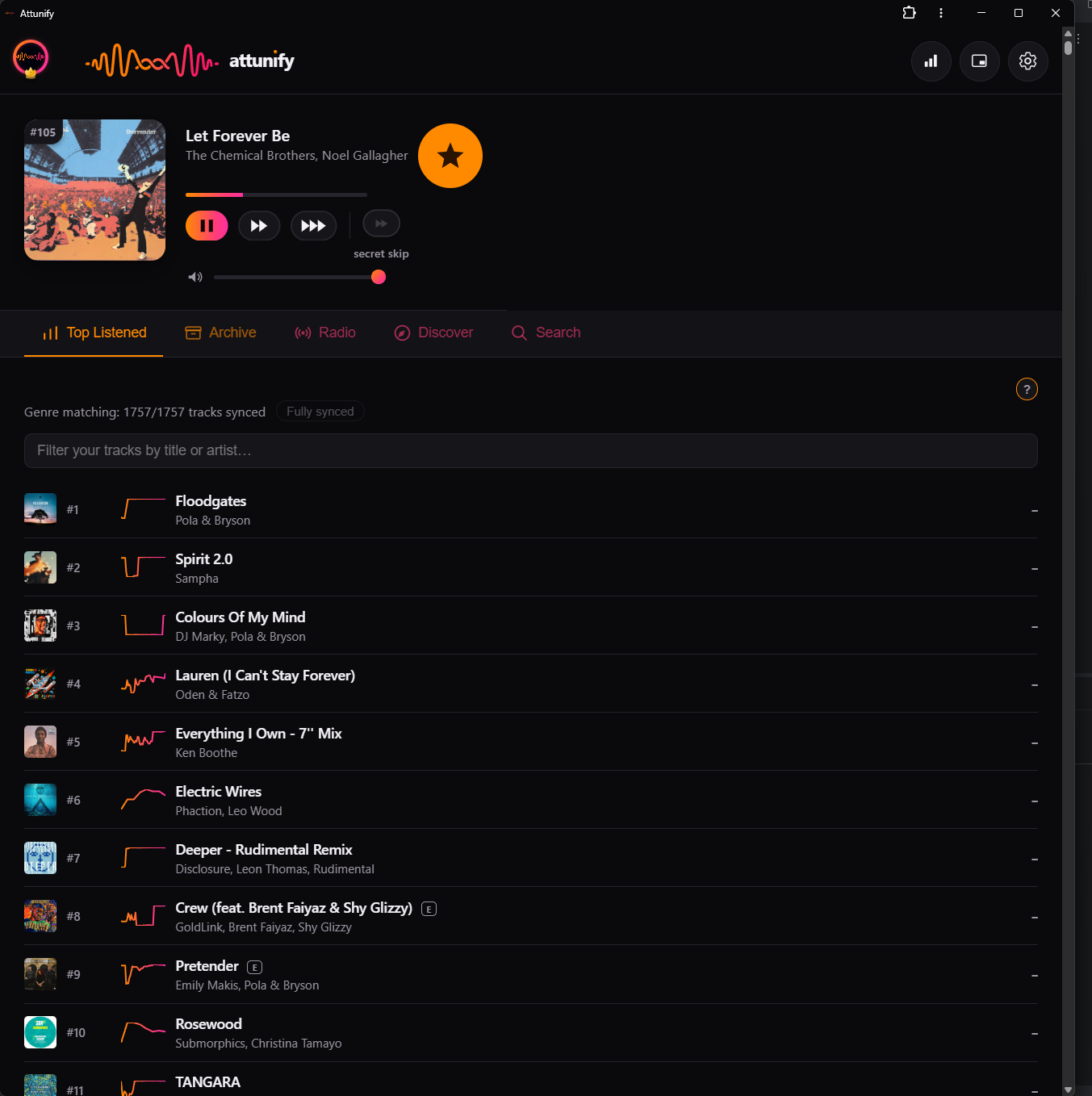
Top Listened
A real-time chart of your library, ranked by what you actually skip, replay, and favourite — not just play count.
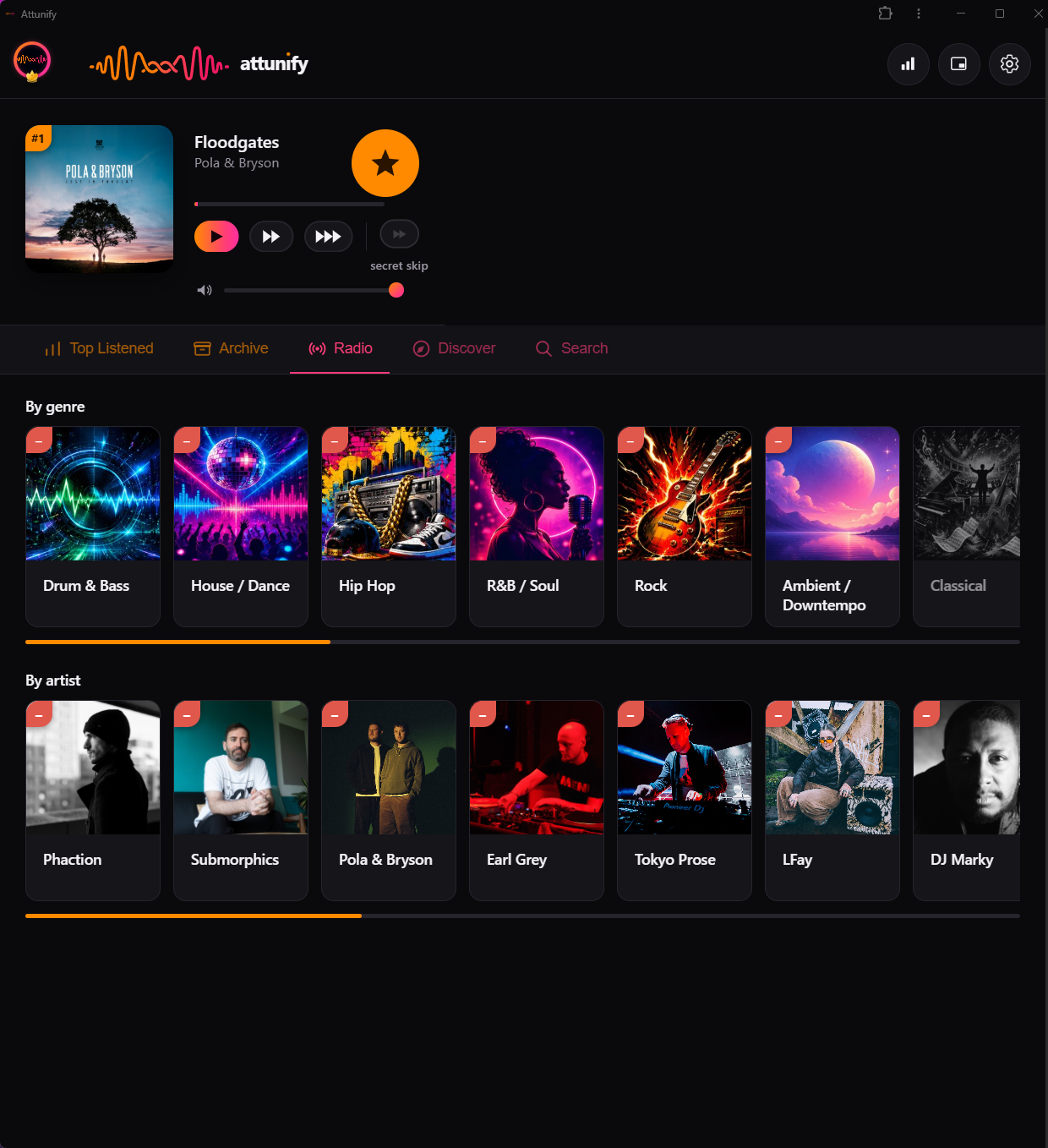
Radio
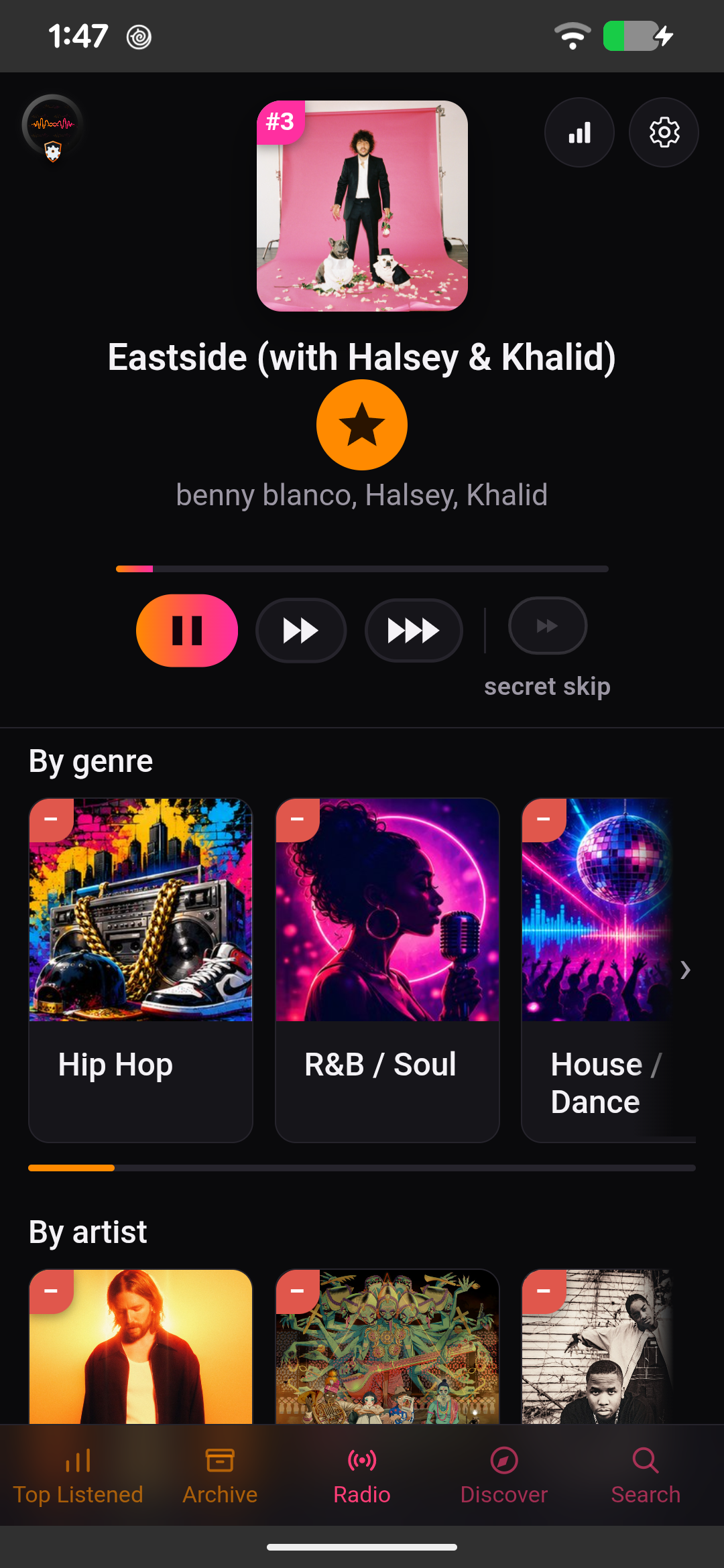
A blend of your own top tracks and new ones — pick a genre or an artist and Radio keeps it flowing in that direction, endlessly. Stay on a track and it holds close to that sound; skip through a few and it gradually drifts further from it, still in genre — so the more you skip, the more it moves on.
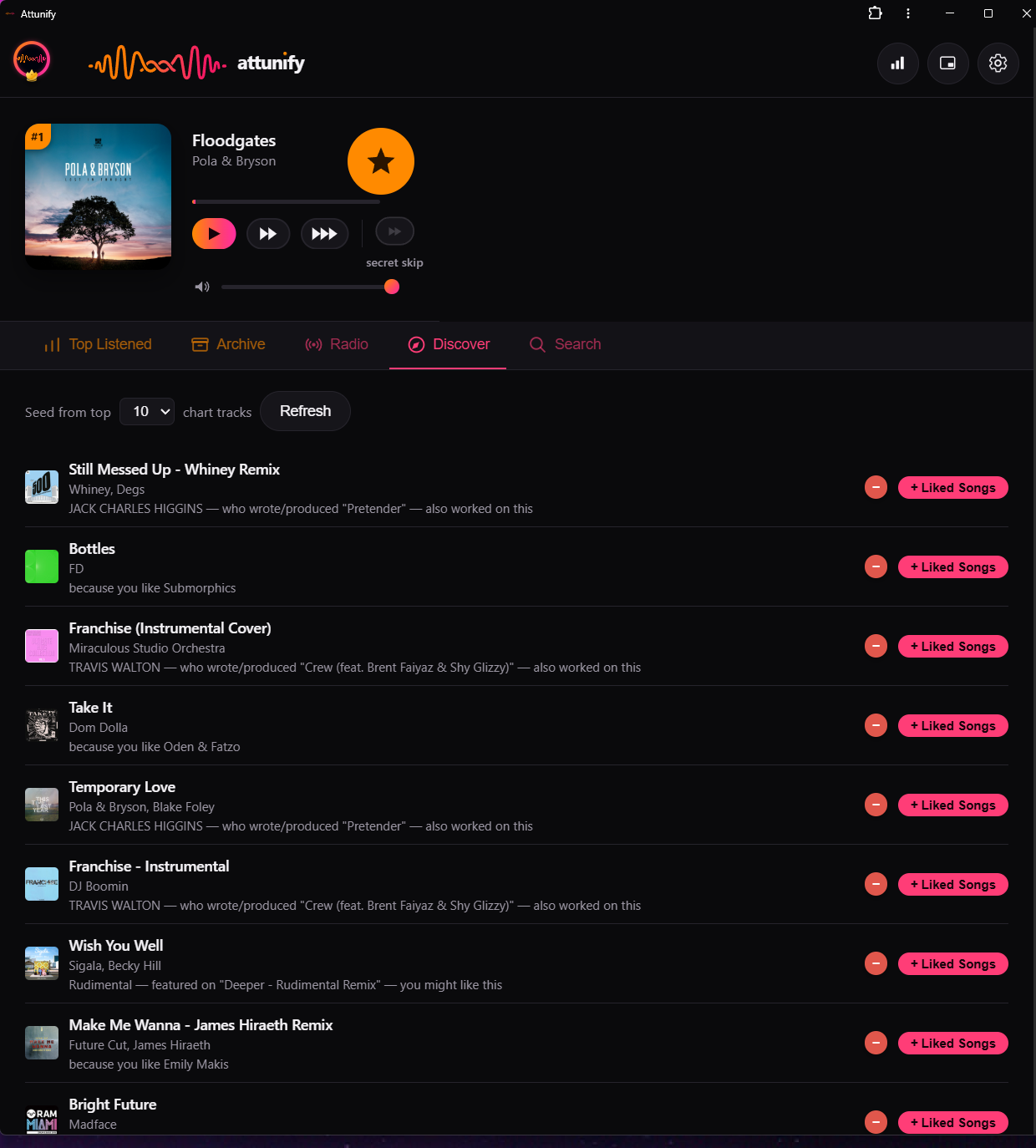
Discover
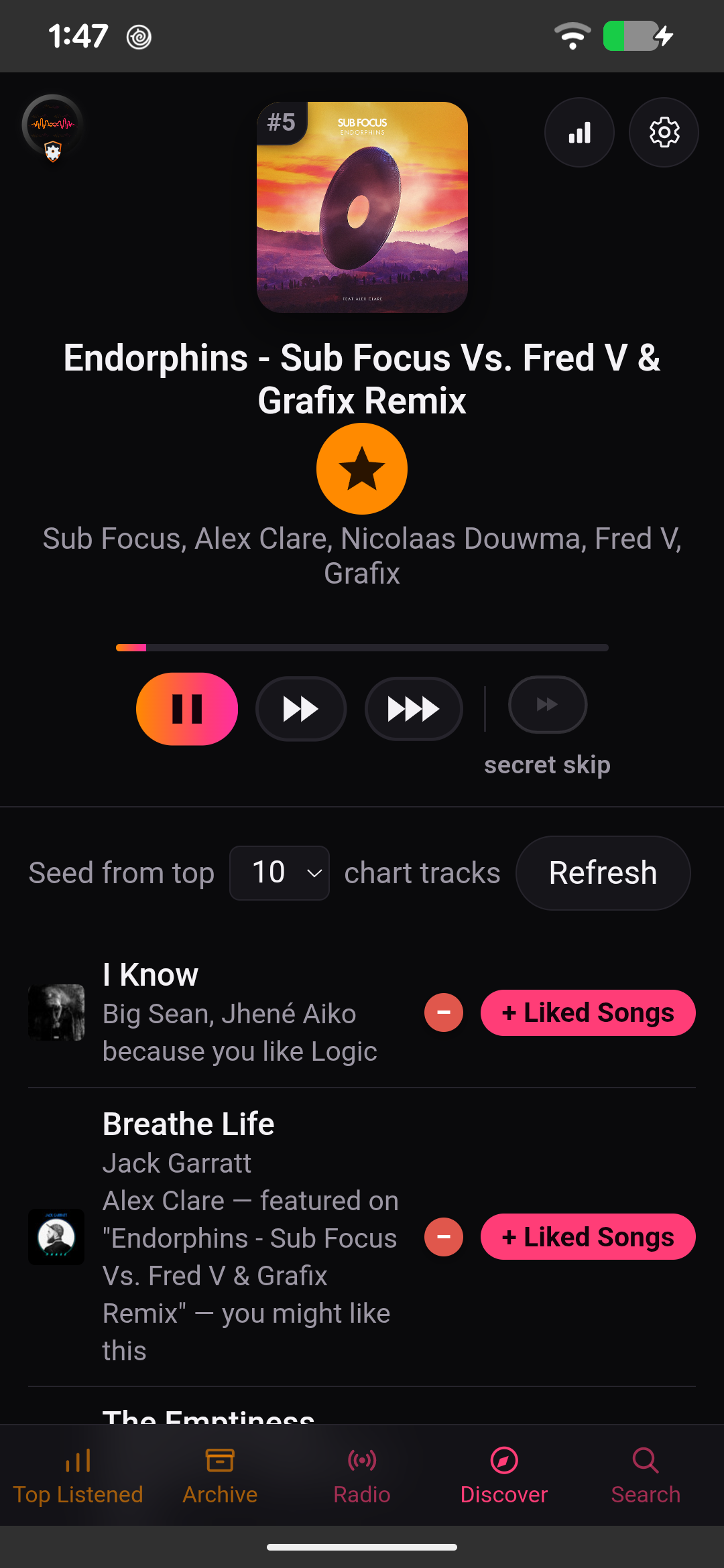
New tracks with a reason why each one showed up, shaped by your taste and everyone else's on Attunify — see "What Unify means" above.

Friends
Add friends with a shareable code and see a real compatibility score — genre overlap, shared artists, and track suggestions pulled from what they love that you don't have yet.
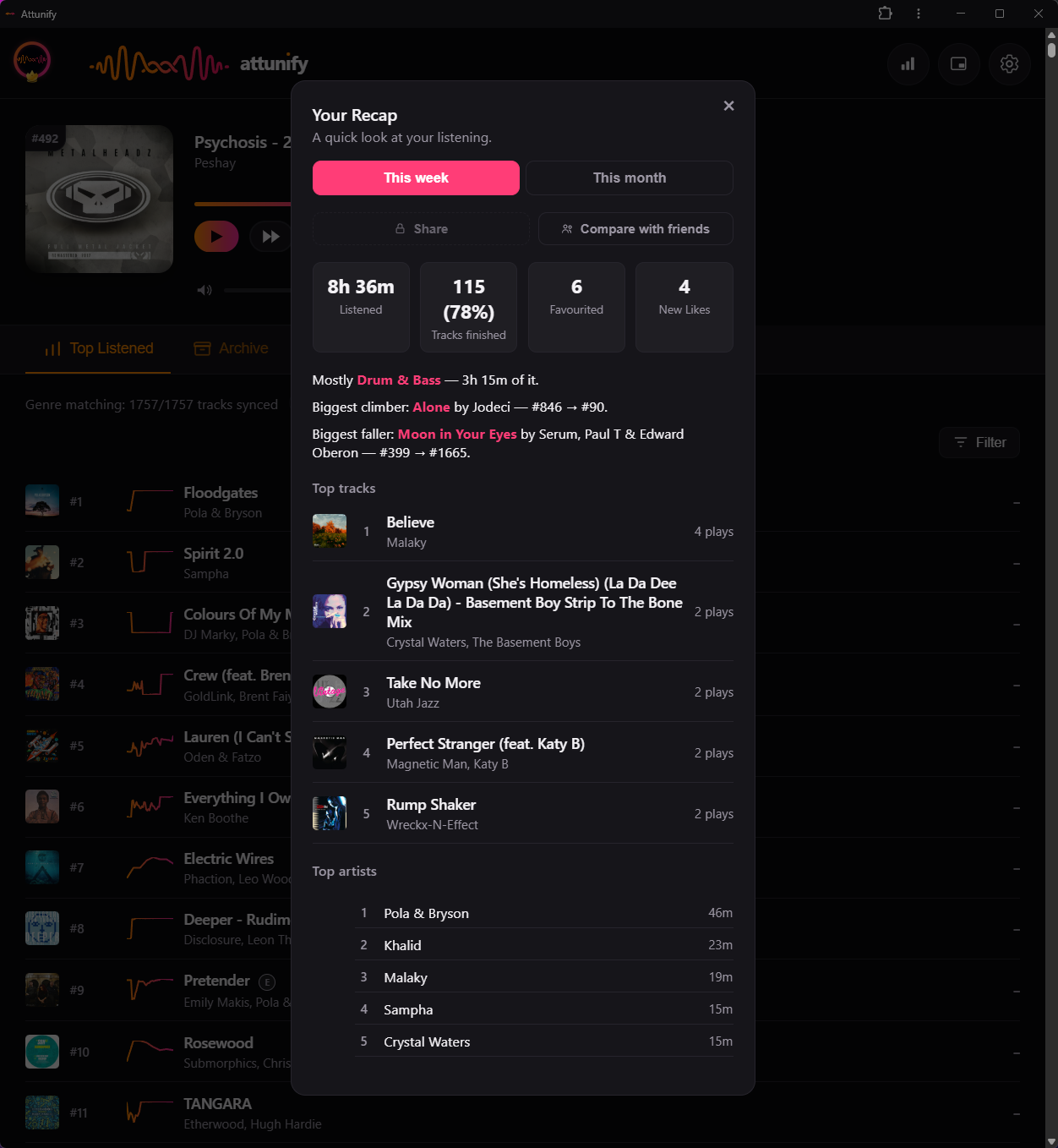
Recap
Your own Wrapped, on demand — top tracks, genres, and listening time, weekly or monthly.
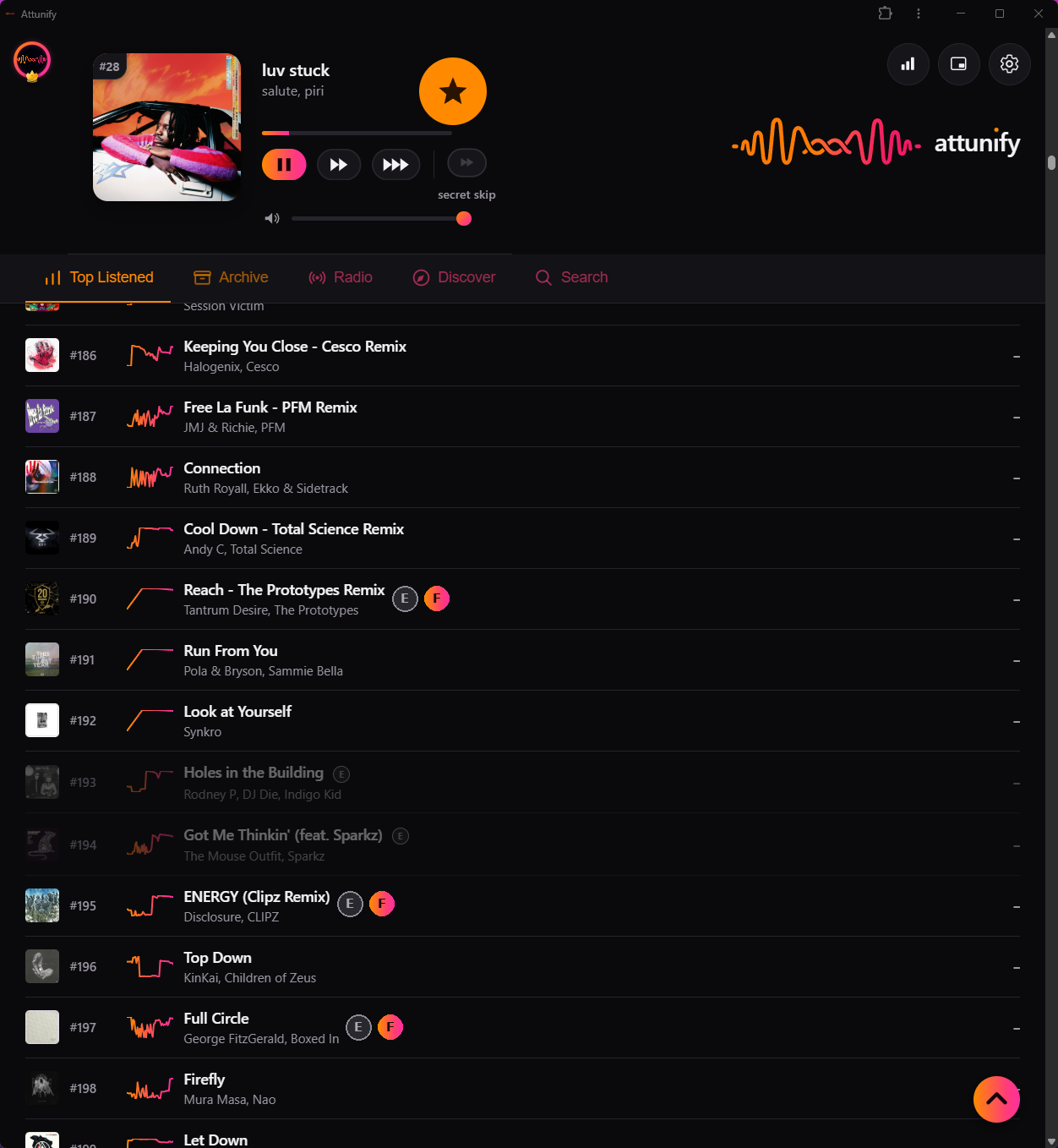
Family mode
Other players just mute or skip explicit tracks. Attunify finds the same song's clean release and plays that instead — automatically, so your rotation stays full instead of full of gaps.
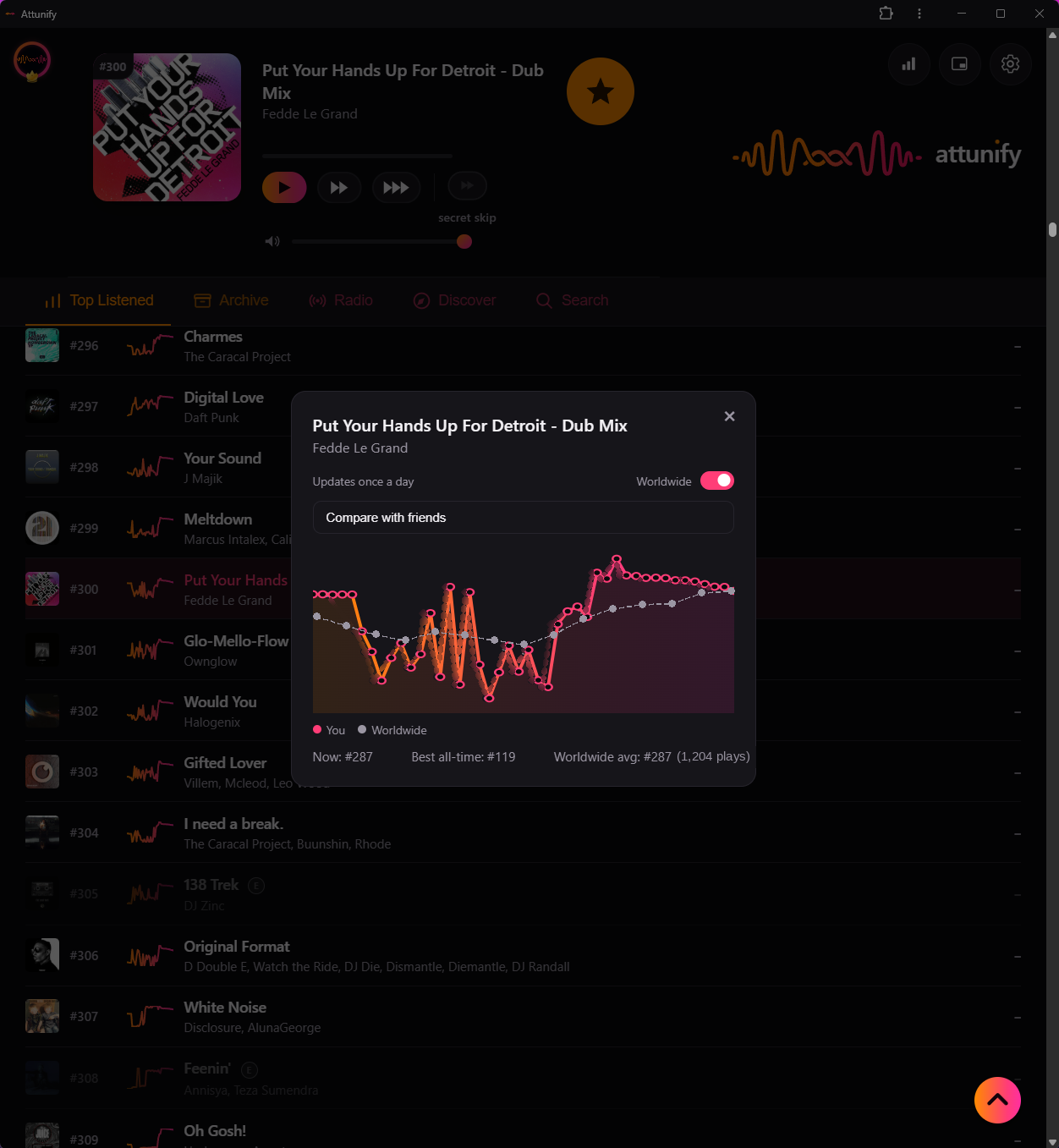
Chart tracking
Every track in your library has a live chart position, driven by how much you actually play it — not just a play count. Track it against the worldwide average, or against a specific friend, and watch it climb.

Make it yours
Avatars, frames, and badges you actually earn — for how long you've been on Attunify, how many friends you've brought in, and more. Your nameplate says something about you before anyone reads a track.
How it works
Connect your Spotify
A short one-time setup using your own free Spotify developer account — takes about two minutes.
Just listen normally
Attunify quietly learns from what you skip, replay, and favourite as you go — nothing to fill in.
Your library reorders itself
Top Listened, Discover, and Radio all update automatically — and get sharper as more people tune in too.
Phone apps
No native apps yet. You're early, and that helps.
Attunify runs in your browser on any phone or computer, and sits on your home screen just like an app. Proper Android and iPhone apps are planned, but it's built by one person, and they need two things first: a proven web app, and enough listeners for Spotify to approve Attunify for more people. Growth is the only route there.
Your listening history is tied to your Spotify account, so everything carries straight over when the apps land. Know someone who'd use it? Send them here. It genuinely moves things along.
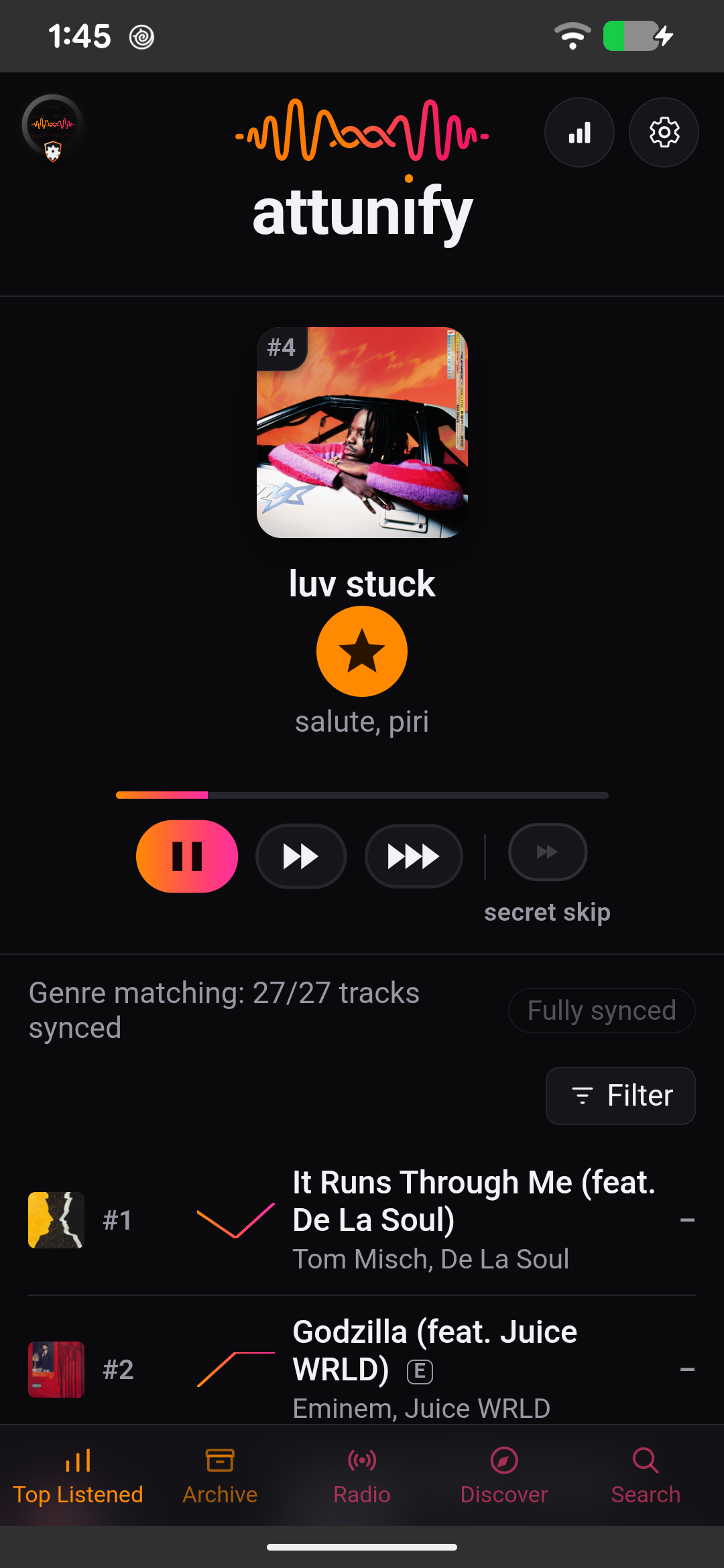
Hear your library the way you actually listen to it.
Free to start. Built by one person who wanted this to exist.
Get started — it's free